Email Marketing
What Is an SPF Record?
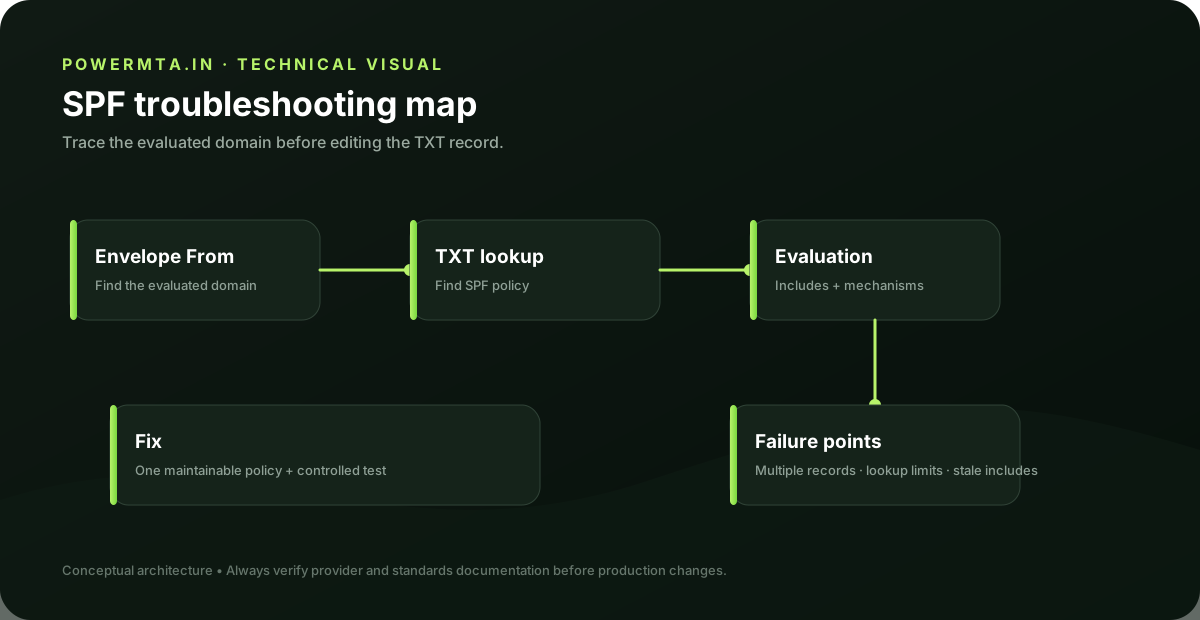
What this guide covers
- What an SPF TXT record authorizes
- How SPF evaluation differs from DKIM signing
- Common DNS and multiple-record mistakes
- Why SPF should be considered together with DMARC
The Simple Definition
SPF (Sender Policy Framework) is a DNS record that lists which mail servers are allowed to send email on behalf of your domain. When someone else's mail server receives an email claiming to be from your domain, it checks your SPF record to see if the sending server is on the approved list. If it isn't, the email is more likely to be marked as spam or rejected outright.
Why It Exists
Without SPF, anyone can send an email that claims to be from "yourbusiness.com" — this is called spoofing, and it's the basis of most phishing scams. SPF gives receiving mail servers a way to check that claim against a list you control.
What an SPF Record Looks Like
SPF records are published as a DNS TXT record and look something like this:
Example SPF Record
v=spf1 include:_spf.google.com ~allThis example says: "Mail claiming to be from this domain is authorized if it comes through Google's mail servers." The ~all at the end tells receiving servers to treat mail from unlisted sources with suspicion, but not necessarily reject it outright.
SPF vs DKIM vs DMARC
These three work together, not in competition:
- SPF — checks which servers are allowed to send for your domain
- DKIM — cryptographically signs your emails to prove they weren't altered in transit
- DMARC — tells receiving servers what to do if SPF or DKIM checks fail, and sends you reports
All three together form the baseline of modern email authentication. Set up all three — see our guides on DKIM and DMARC next.
Frequently Asked Questions
Yes. SPF and DKIM check different things and both contribute to your overall authentication and deliverability. Most modern requirements, including Gmail and Yahoo's bulk sender rules, expect both.
No — a domain should only have one SPF record. If you use multiple email services, they need to be combined into a single record using multiple 'include' statements.
It's a 'soft fail' — mail from unlisted sources is flagged as suspicious but not automatically rejected. A stricter setting, -all, tells servers to reject unlisted sources outright.
Quick Summary
- SPF is a DNS record listing which servers are authorized to send email for your domain
- It prevents domain spoofing by letting receiving servers verify the sender
- SPF works alongside DKIM and DMARC, not as a replacement for either
- A domain should have exactly one SPF record
Sources & references
Primary and authoritative references used when preparing or reviewing this article. Product features, policies and standards can change, so verify current requirements before making production changes.
Runs PowerMTA.in alongside his own email marketing and affiliate operations targeting Indian audiences — hands-on with bulk sending infrastructure, live campaigns, and content properties. Read more →